

Showing all 6 resultsSorted by popularity























Marvel Rivals

100 Lattices
61 EGPHow to get your UID ?
1. Open the game.
2. Tap the “Avatar” located in the top-right corner.
3. Your Marvel Rivals UID will be displayed on the screen.
4. Click on copy mark and paste it on your order .
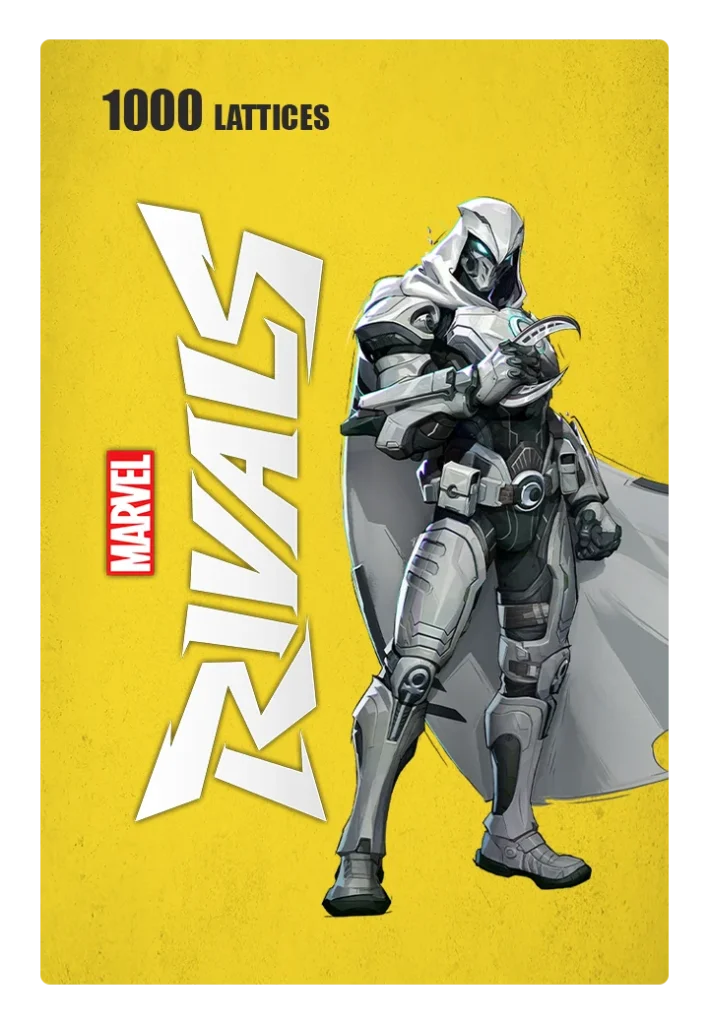
1000 Lattices
561 EGPHow to get your UID ?
1. Open the game.
2. Tap the “Avatar” located in the top-right corner.
3. Your Marvel Rivals UID will be displayed on the screen.
4. Click on copy mark and paste it on your order .
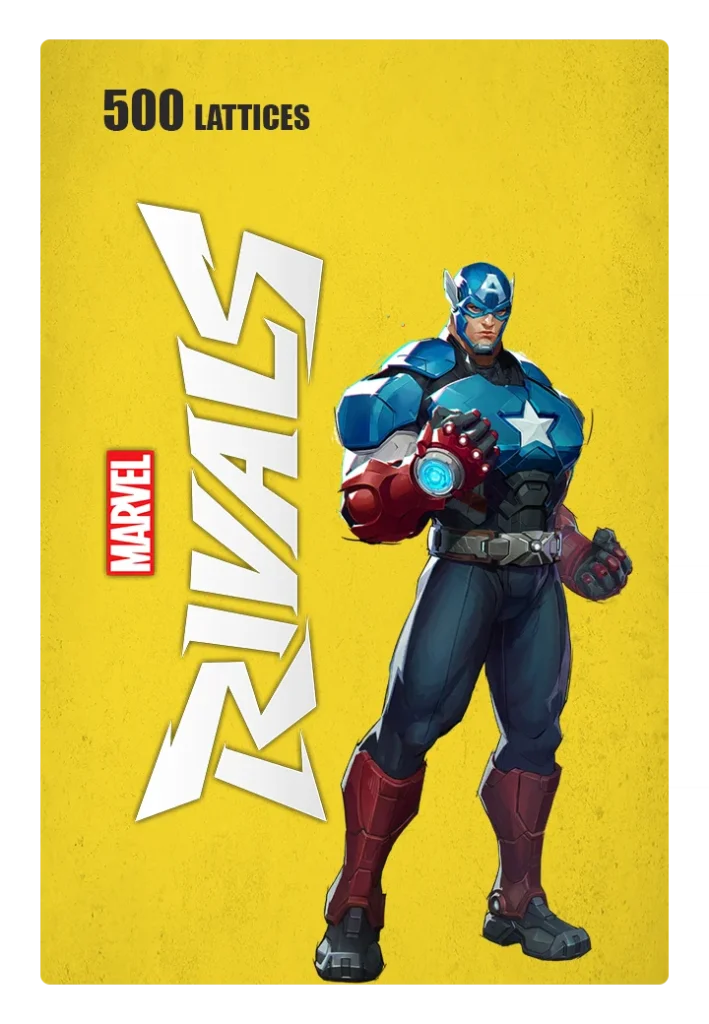
500 Lattices
281 EGPHow to get your UID ?
1. Open the game.
2. Tap the “Avatar” located in the top-right corner.
3. Your Marvel Rivals UID will be displayed on the screen.
4. Click on copy mark and paste it on your order .

2180 Lattices
1,122 EGPHow to get your UID ?
1. Open the game.
2. Tap the “Avatar” located in the top-right corner.
3. Your Marvel Rivals UID will be displayed on the screen.
4. Click on copy mark and paste it on your order .
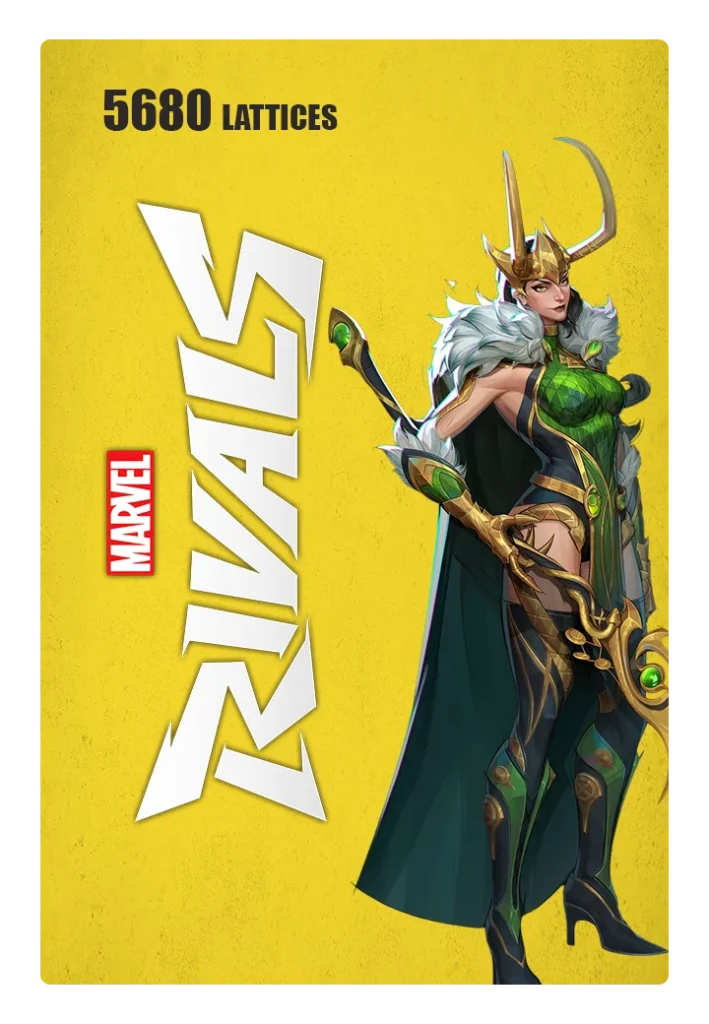
5680 Lattices
Original price was: 2,805 EGP.2,665 EGPCurrent price is: 2,665 EGP.How to get your UID ?
1. Open the game.
2. Tap the “Avatar” located in the top-right corner.
3. Your Marvel Rivals UID will be displayed on the screen.
4. Click on copy mark and paste it on your order .

11680 Lattices
5,330 EGPHow to get your UID ?
1. Open the game.
2. Tap the “Avatar” located in the top-right corner.
3. Your Marvel Rivals UID will be displayed on the screen.
4. Click on copy mark and paste it on your order .


